
Fraud with payment requests!
12 January 2021Almost everyone knows Tikkie.me, very handy if you go out to dinner and pay in advance for your friends. Tikkie is now also available for companies, you can send a payment request via the app or even link it with your own CRM. But beware of cybercriminals pretending to be someone else to steal your data (Spoofing).
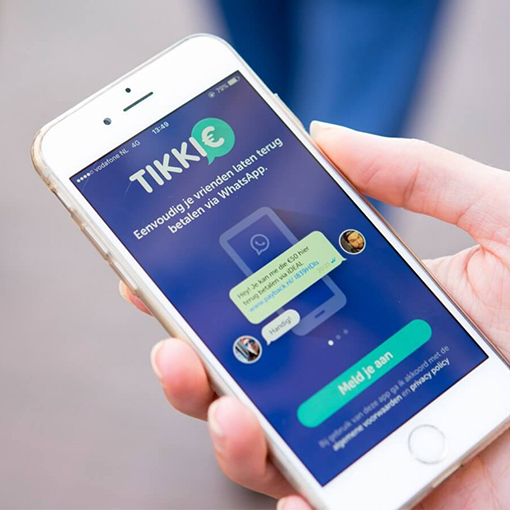
Tikkie for companies
You can now also send business payment requests via the Tikkie app or Tikkie portal, via a QR code or via an internal (CRM) system using an (API) link. Payment requests from Tikkie or a bank are now very common. You click on the link, are redirected to your bank’s app and the payment is made.
But precisely because we find it increasingly normal, we pay less attention and cybercriminals get the chance to scam companies or individuals.
How a cybercriminal tricks someone
A company or person asks you to transfer a small amount, for example for a deposit on a product or service, a reservation, to check your bank details or to check if you are reliable. This is usually a small amount, so you don’t think much about it.
Tikkie fraud
You receive a Tikkie or payment link via WhatsApp or email from the company or person to make the payment and click (as usual) on the link.
The link refers to the bank’s platform, you want to transfer the money and must log in with your bank details.
It may also be that you get an error message after which you are asked to log in again to complete the payment. This is not only with Tikkie, but can also happen with payment requests from banks, iDeal or the payment platform of Marktplaats.
This is how you give login details to the cybercriminal
You tried to log in on a fake website, which looks exactly like Tikkie’s or your own bank’s, and gave the cybercriminal access to your bank account.
What to watch out for
- Do not transfer money to strangers, especially not even a few cents. Better still, only transfer money manually. If you want to be completely safe, transfer the money manually.
- Check the web address (the url) in the payment request link. With Tikkie that is Tikkie.me and that is therefore not Tikkie.com or Tikkie.nl. A Tikkie url always starts with ‘https://’ followed by ‘tikkie.me/pay’.
- When you have to enter login details – be extra careful!
- Do not use WhatsApp or SMS if you want to communicate via a platform like Facebook, Marktplaats or Speurders
- Recognize Phishing mail
- If in doubt always contact your bank
More information about Tikkie and safe (home) working? Read the following blogs and pages: