Working safely on the hotel wifi?
29 June 2022Suppose you are on vacation, but still want to work in the Cloud and use the hotel's wifi. Then make sure you always use a secure connection!
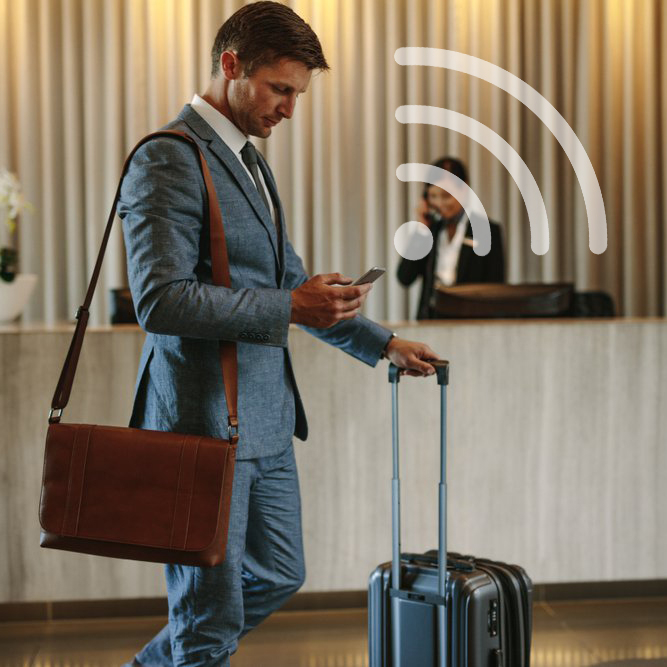
Risk when using public wifi?
Be aware that you are at risk!
- Ensure good antivirus software
- Ensure up-to-date software
- Copy the wifi details correctly!
- Make sure you work safely with a secure connection
Be careful when copying wifi details!
Copy the hotel details exactly (you often receive a note with the login details). It may be that if you type one letter incorrectly (for example, a 1 instead of an i) you connect to a completely different network, the network of a hacker!
Secure SSL connection
A secure connection can be an online portal or a Cloud environment, with an SSL connection (https://). In the address bar, before the internet address you see a padlock, this indicates that it is a secure connection. When data is entered, it is encrypted and sent from the computer to the Cloud environment.
VPN (Virtual Private Network)
Want to work more securely? Then connect with a VPN. This way your online privacy is better protected and you ensure that there is a secure connection between you and the internet. If you use the internet via a VPN, all traffic is forwarded to a server, where it is encrypted. From there the server forwards the traffic to the websites you want to visit.
Why encrypt data?
Encrypting data makes it even more difficult for hackers to steal privacy-sensitive information. This is especially important for public wifi networks. A secure connection ensures that your data, if it is "intercepted", cannot be understood and is very difficult to decipher.
Use 2FA (two-factor authentication) if possible
You as an internet user have many online accounts. Social media, Gmail, Bol.com, Apple, Dropbox, etc. These accounts are secured with a username and password, but are these usernames and passwords all unique for you?
We often see that the same details are also used for business accounts. If a hacker can hack through one account, it may be that he can also access the business accounts.
Where possible, use not one, but two factors to log in. Some examples of two-factor authentication:
- Username and password, and an SMS code sent to your mobile
- Username and password, and your fingerprint or facial recognition
- Username and password, and a code from an authenticator (for example Microsoft authenticator, or Google authenticator)
- Username and password, and a confirmation email
A strong password
If you don't have a 2FA option, make sure you have a strong password and change it regularly!