Do You Want to Share a Mailbox with Multiple People?
18 April 2023Sometimes it’s helpful for a mailbox to be managed by a group rather than a single person—for collaboration and communication between departments. This is called a Shared Mailbox. What can you do with it and how do you set it up?
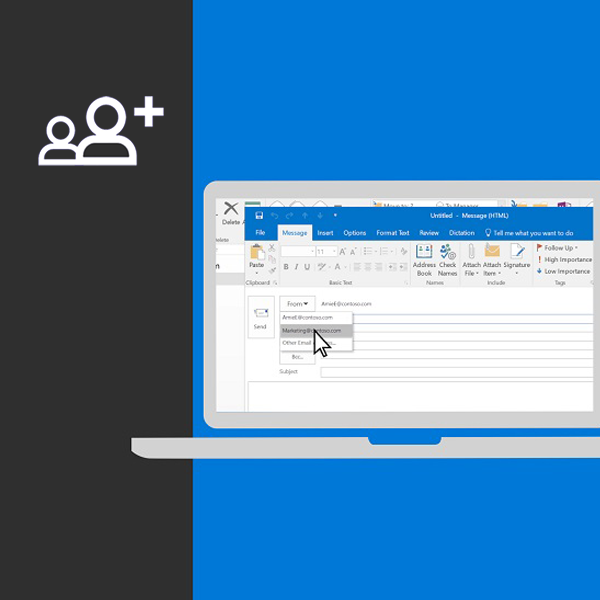
Don’t Miss Important Messages
If missing important messages is a concern, consider using a shared mailbox. It provides a central location for emails that multiple people can view, manage, and respond to. Instead of each person managing their own inbox, a shared mailbox can be accessed and managed by multiple users.
Shared Responsibility
This is useful when multiple team members are responsible for answering customer inquiries or processing orders. With a shared mailbox, colleagues can access the same emails and collaborate efficiently to ensure timely responses.
Reduce Miscommunication
Another benefit of a shared mailbox is streamlined team communication. Instead of emailing back and forth to stay updated, everyone can view the same inbox and stay informed. This boosts productivity and reduces the chance of miscommunication.
Shared vs. Personal Mailbox
There aren’t many differences. Officially, shared mailboxes can be created for free within the (Microsoft) platform (no extra license required). Technically, a personal mailbox uses an email address + password and often multi-factor login. A shared mailbox doesn’t have its own login (the account behind it is disabled). Access is granted via permissions. Once you have permission, you can add the mailbox using your own email and password.
Any Downsides?
The downside is that you can’t log into webmail directly. You can open it once logged in with your personal account, but it works best in Outlook—where mailboxes can be neatly stacked.
Online Helpdesk
To assist you faster, we’ve listed the most frequently asked questions and answers about our services on our Online Helpdesk: