
Critical vulnerability in Microsoft Authenticator
02 June 2026At the end of May, Microsoft warned about a serious security flaw in Authenticator. Attackers can intercept authentication tokens and gain access to everything your work account has access to: email, SharePoint, Teams, internal systems — depending on the account’s permissions.
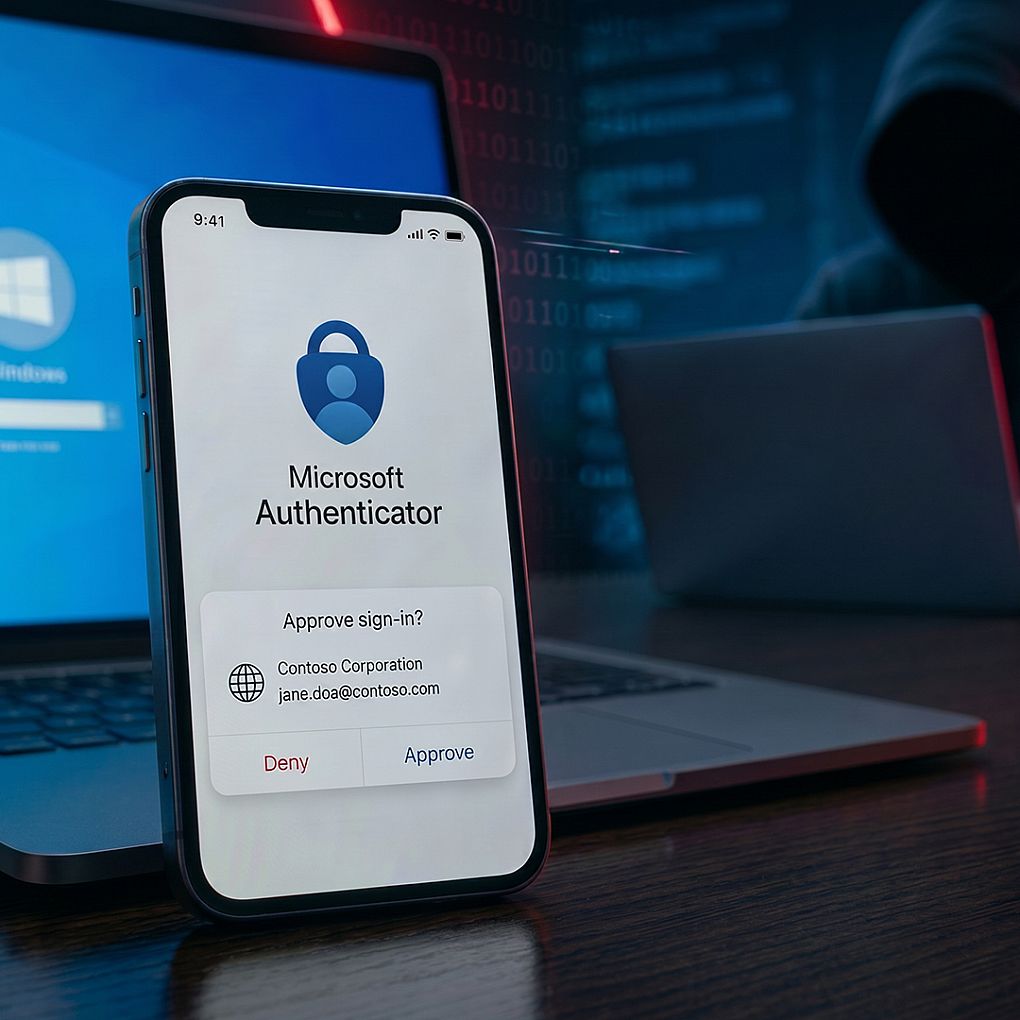
Microsoft Authenticator vulnerability
In Microsoft Authenticator, attackers can exploit a critical vulnerability to obtain authentication tokens, allowing them to gain unauthorized access to resources. Updated apps are now available.
According to Microsoft’s vulnerability report, sensitive information may fall into the hands of unauthorized parties because Authenticator exposes information over the network. In the FAQ, Microsoft explains that the flaw makes it possible for the authentication token of business accounts to be exposed. This allows unauthorized individuals to access data and services the account normally has access to, potentially including sensitive company information.
To exploit the flaw, attackers must trick a victim into responding to a legitimate‑looking but malicious request. Once the user approves it, the attacker can mislead the app into requesting access tokens on behalf of the user.
Microsoft Authenticator: Updates available
Updated versions of Microsoft Authenticator are available in the app stores.
- Android: version 6.2605.2973 and newer
- iOS: version 6.8.47 and newer
Users with automatic updates enabled will receive the new version automatically. Those who disabled updates must update manually via the Google Play Store or Apple App Store.
Microsoft reports that the vulnerability is not yet being actively exploited and that no public exploit is available. Still, users are advised to check whether they are using the latest version. The version can be found in the app menu under Help → About → Application version.
How does this attack work?
The flaw in Microsoft Authenticator can be exploited using a fake request that appears legitimate. The user must approve this request themselves.
- The attacker sends a fake login request
This request looks like a normal Microsoft Authenticator notification. The user believes it is safe and clicks approve. - The app requests an access token
Due to the security flaw, Authenticator treats this request as trustworthy. - The token ends up with the attacker
Instead of being sent to Microsoft or your organisation, the token is sent to a server controlled by the attacker. - The attacker can log in as the user
With that token, someone can access email, Teams, SharePoint and other systems the account has permissions for. - The user cannot clearly see what was approved
According to Microsoft, Authenticator does not clearly show what access is being granted, increasing the chance of accidental approval.
That is why it is important to approve only notifications you expect yourself and to check whether the app is up to date.