Step-by-step plan: check an email before clicking a link
07 April 2026Everyone receives an email from time to time with a link that looks trustworthy, but how do you know for sure it isn’t a trap? Cybercriminals are becoming increasingly skilled at imitating official messages. In this blog we explain step by step what to look for before clicking a link in an email. This way you protect yourself and avoid unpleasant surprises.
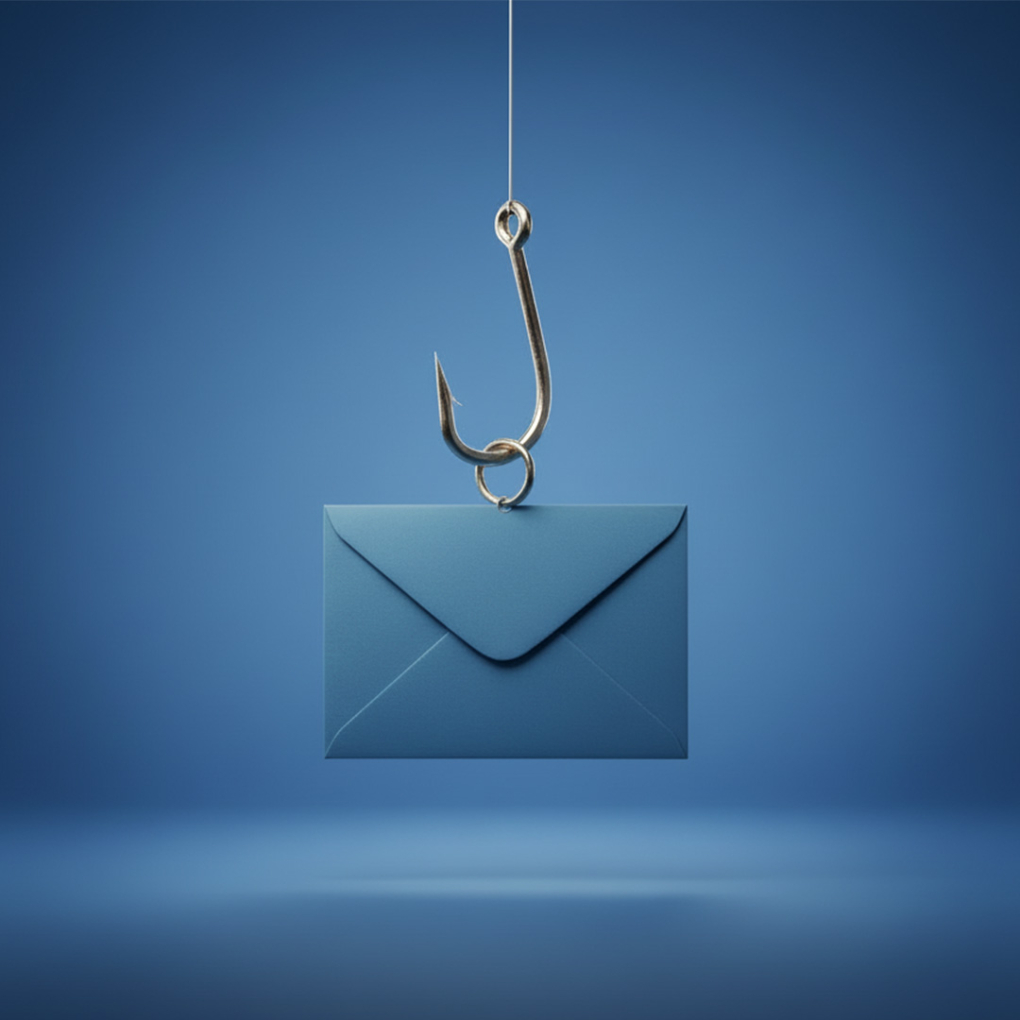
©Firefly
Don't click too quickly: how to recognize a phishing email
- Check the link: Carefully inspect whether the link in the email is correct. Look for spelling mistakes, missing dots or strange additions. A trustworthy link should match the official web address of the company exactly.
- Check the sender's email address: Is the email address vague or different from what you expect? Check whether it resembles the organization’s official address. Unusual addresses are often a sign of phishing.
- Pay attention to the salutation: Are you addressed personally, or is the salutation generic (“Dear customer”)? A generic salutation can indicate a phishing message.
- Assess the content for urgency: Is pressure being applied to act quickly? Phishing emails often try to rush you with an urgent message.
- Request for personal data? Does the email ask for personal information such as your username, password, bank or credit card details? Never hand these over just like that.
- Check attachments: Watch out for dangerous attachments in the email. Never open them unless you are certain the email is trustworthy.
Always go through these steps before clicking a link in an email. In doubt? Contact the official organization using their known contact details and don’t click on any link or attachment.
Share page: