Working from home as if you were in the office
03 April 2020Do you want to approach a colleague just as easily as in the office and video call as if you were sitting next to your client? With one push of a button, you start a chat or an audio/video conversation. This is possible with I AM!
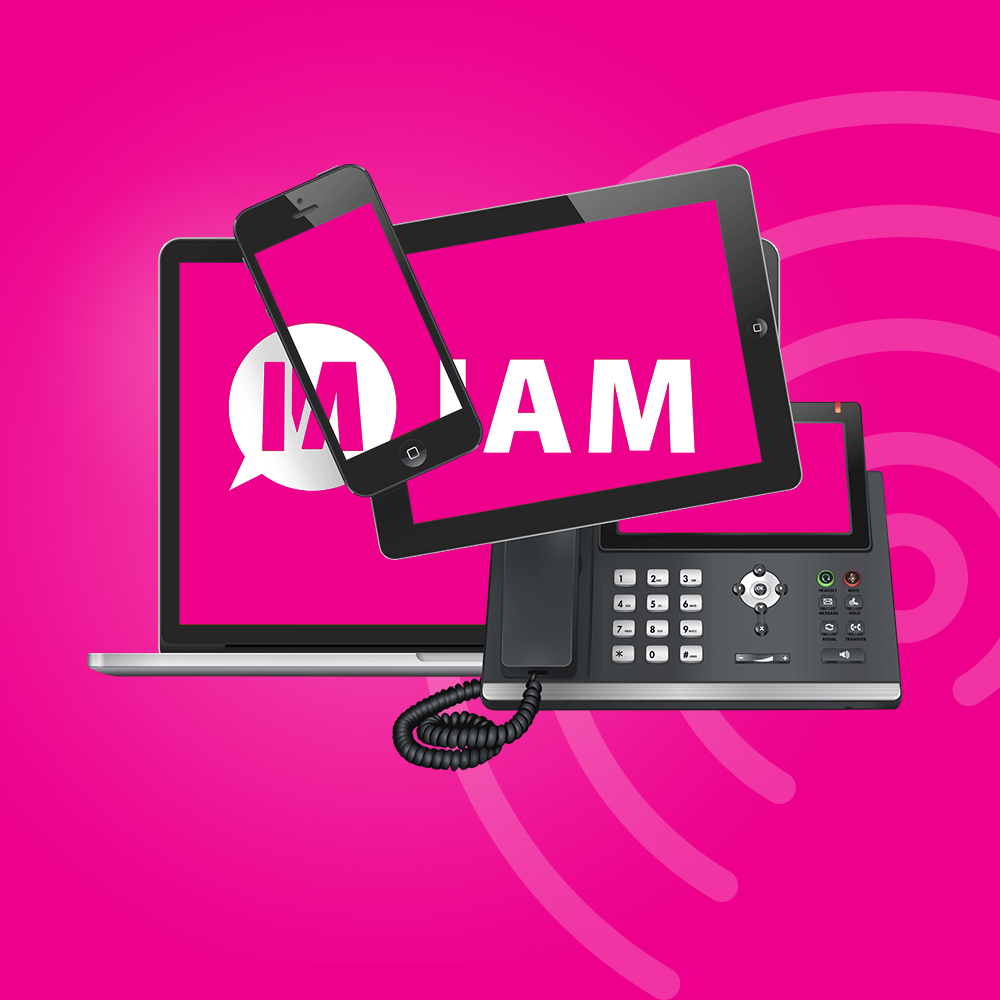
I AM is a communication service that allows you to communicate the way you want. Calling, chatting, video calling, or chatting with multiple people at once via a group chat, group video, or a group call via the phone.
Benefits of video calling and working from home in this way:
- Availability: immediately see if a colleague is available or, for example, in a call.
- Chatting: to make decisions faster and send fewer emails (even while you are on a call).
- Share screen and files: collaborate easily and share your information.
- Calling: from any device with I AM you can call, both 1-on-1 and in a group.
- Transferring: easily forward a phone call (blind or with consultation).
- Video: make the contact more personal with video calls, also with multiple people at once.
I AM is available for PC (Windows and Mac), smartphone, and tablet and works with your existing phone numbers. Incidentally, during video calling, you can also chat with the people in the group at the same time. You can post links to websites, transfer files, and share each other's screens.
Other ways of video calling, beware of security leaks!
There are multiple ways to make video calls, for example with Microsoft Teams or with Zoom. Video calling generally works quite well with both, but you should keep in mind that not every tool is safe from outsiders. At Zoom, they recently fixed several security vulnerabilities. Teams and Zoom are effectively meeting rooms where you can video call with multiple people. I AM is comparable to calling with your phone; you are in a call and therefore cannot be disturbed.
Video calling with Zoom
Zoom is a handy tool in itself, but someone has to take charge very well. Because the focus of the image shifts to the speaker every time, the connection sometimes becomes poor, slow, and "blocky." The person in charge during the video call can best "mute" everyone's sound, and the person who wants to say something during the video call can then raise their hand. Raising a hand is a function in Zoom.
Video calling with Microsoft Teams
Video calling or a telephone conference is also possible with Microsoft Teams. You actually have to take an extra subscription for that. For structured meetings, Microsoft Teams works well, but if you also want a replacement for "quickly dropping by someone," then Microsoft Teams is not so pleasant. The advice is then to use I AM. Partly due to the availability function (with Teams and Zoom, you don't see whether someone is in a conference call or not).
Want to know more about video calling?
Curious about the possibilities of video calling? Then contact us via email or phone to make an appointment. Our VOIP specialists will be happy to tell you more about which way of calling suits you best.