What is WiFi and how does it work?
14 October 2020WiFi is a technology used to transmit a signal through the air, but is often used as a term for wireless networks (Wireless LAN, WLAN). WiFi is an abbreviation for Wireless Fidelity (Wireless = wireless & Fidelity = Reliability).
A wireless network is usually connected to a router that provides access to the internet, which is why a wireless WiFi network is used for wireless internet access. WiFi is originally pronounced as 'waifai', but in the Netherlands people also speak of 'wiefie'
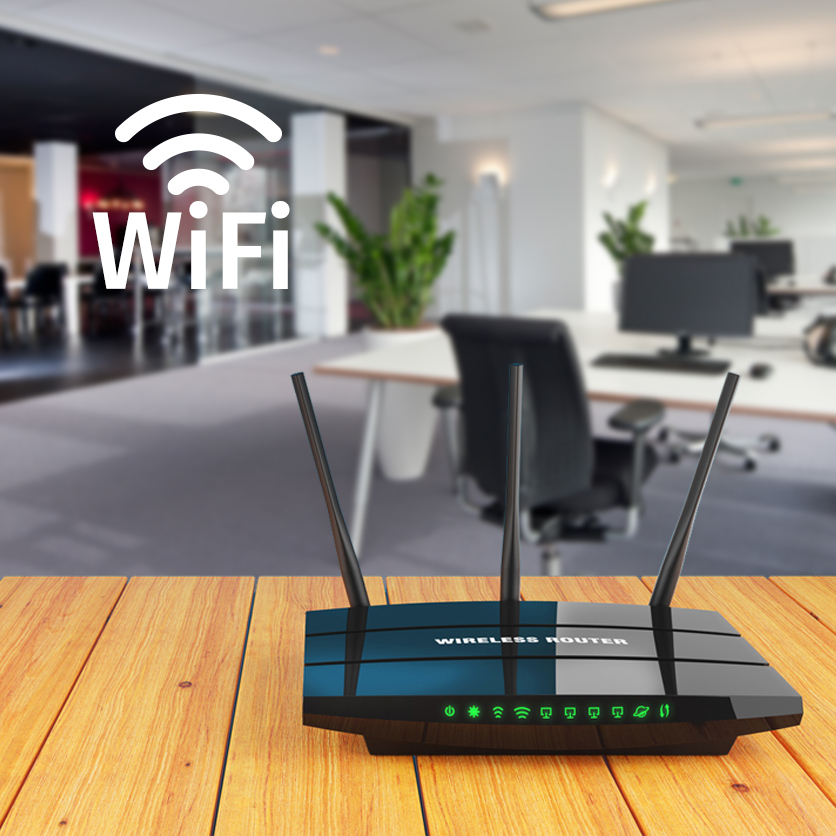
How do you handle WiFi?
- Can the WiFi handle the speed the company needs?
- What about WiFi access when employees leave or join the company?
- What do you do with the WiFi guest network? Is it isolated from the regular network?
- How often is the WiFi password changed?
- How many devices do you want to connect?
How does WiFi work?
With WiFi, multiple devices can communicate and exchange data with each other without the use of cables. You need an internet connection and an Access Point. Via an access point (= a wireless server that is integrated or connected to the router via cable or switch), data is transmitted through the air via radio waves. Computers, laptops, tablets and phones have a built-in WiFi card to pick up the radio waves, so you can access the network wirelessly.
WiFi Range
WiFi has a range of approx. 30 meters indoors and approx. 300 meters outdoors. This range is determined by the mutual distance and height of the antennas, but also by the quality of the devices and the environment. Among other things, thick walls, microwaves, windows, steel structures and wireless alarm systems can disrupt WiFi quality. There is also a difference in the quality of WiFi equipment.
Disadvantages of WiFi
- Because WiFi works through walls and floors, the speed can fluctuate. The number of walls and the thickness of the walls can slow down the signal.
- The quality of the signal can be influenced by electromagnetic devices.
- A WiFi network is often not properly secured, giving hackers the opportunity to find or intercept (sensitive) data.
- The speed and stability are less than when you connect your device with a cable.
We help you with WiFi!
In the field of WiFi, we advise our customers, check and set up WiFi networks and advise on the most suitable solution. Using a floor plan or a paid site survey, we map out the space and see where certain Access points are located and whether they have sufficient range. In addition, Infracom can provide firmware updates and we have a helpdesk.
Make an appointment with Bram van Loghem or Geoffrey van der Veen, they will be happy to visit for an initial advisory meeting and find out what the most suitable WiFi solution is for you.