What is a secure password?
08 April 2021A secure or strong password is difficult to crack. The password is at least eight characters long, consists of lowercase letters and at least one uppercase letter and at least one number or special character.
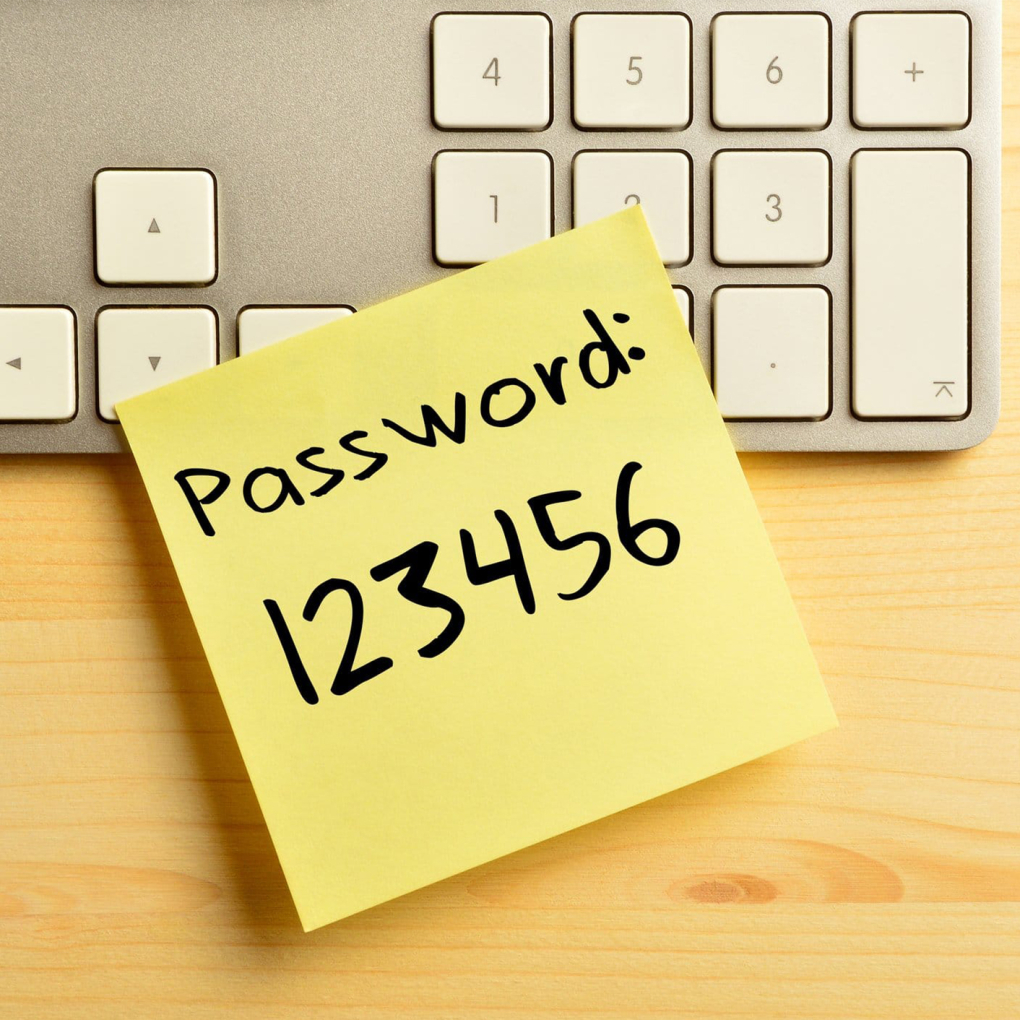
Risks of an insecure password
A password is often the key to confidential data and systems. You do not want a password to fall into the wrong hands, exposing all your (business-sensitive) data. Customer personal data must also not fall into the wrong hands. As a company you are obliged to handle this carefully.
With a password of an email address, other passwords can quickly be retrieved. There is often a 'forgot password function' where only an email address needs to be entered. In this way a new password can be created.
What should I consider?
Hackers easily crack simple passwords
If you have a too easy password for your administrator account, you run the risk of a hacker breaking in.
Short passwords are quickly cracked
Companies often have to come up with various passwords. When a password is too short, it can be cracked quickly (within seconds!).
Long passwords are not always stronger
Often a password is chosen that is easy to remember, but that is also the risk. There are programs that use word lists and combine all possible words. Billions of words per second can be tried.
Tips for a good password
- Use different characters
Mix numbers, letters, uppercase letters and special characters to make the password extra secure. - The more characters the safer
So 12 characters is better than 8. For example, use a very long sentence that you can easily remember, but do not forget the numbers and special characters! - Do not use personal information in a password
Personal information is often easy to find out and predictable. Therefore do not use names, dates of birth, addresses, etc. in your password. - Different passwords everywhere
It is wise not to use a password more than once. You can use a password manager for this. These are secure digital vaults where multiple passwords can be stored, but where you only need to remember one strong password. - Change passwords regularly
Regularly changing passwords prevents a leaked password from being used for a long time. - Use (if available) Two Steps Authentication
Also known as two-step authentication. This means you always need 2 methods to access a service. Often with a password and with a code generated on your mobile (or sent via SMS). This makes it much more difficult for the hacker.
Want to know if your account details have been stolen?
You can check via haveibeenpwned.com. This site uses a file with about 5 billion stolen accounts and passwords. Enter your email address and click on pwned?. If a green bar appears with 'Good news - no pwnage found!', then there are probably no account details stolen with that email address.
If a red bar appears with 'Oh no - pwned!', then the accounts with that email address are at risk. If you receive unsolicited advertising emails, you will probably see a red bar. For security reasons you will not see the password. If your passwords for those accounts have not been changed recently, it is wise to change them anyway.