Beware of CryptoLockers!
21 May 2021A CryptoLocker can cause all files, including all backups, to be lost. Imagine losing all your customer data, product data, personnel data, quotations, letters, invoices, manuals, and images. That is a disaster for any organization. How do CryptoLockers work and how can you prevent them?
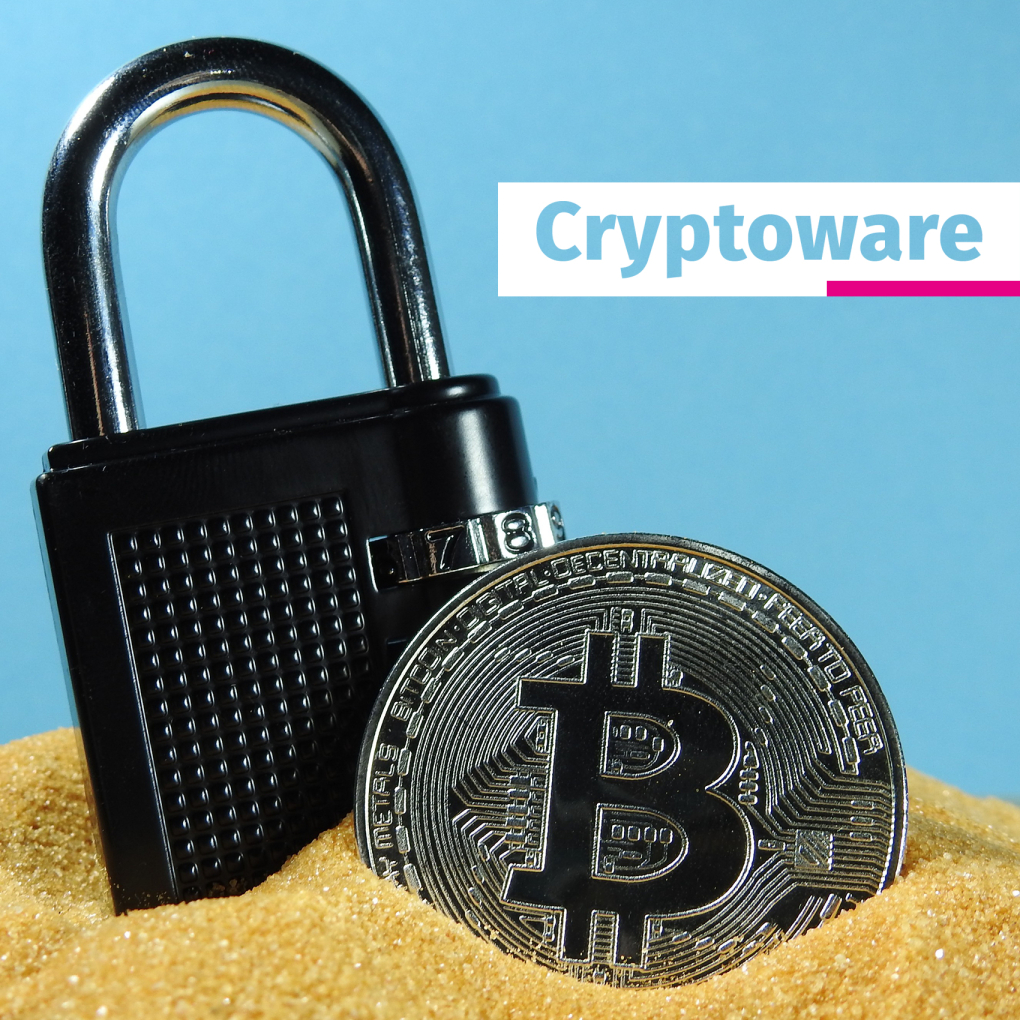
What is a CryptoLocker?
Cryptolocker, also known as Cryptoware, is malware that uses encryption to encrypt files. Access to the files can only be regained when you have a public and private key. Only the cybercriminals have the private key and demand ransom before they hand over the key.
How are CryptoLockers spread?
A CryptoLocker gets onto a (Windows) computer system because someone opened an attachment via an email message or clicked on a link, causing the software (malware) to be installed. It may also be that during 'browsing' the CryptoLocker is hidden in an advertisement or page. When the page is opened, the virus is installed on your computer.
Pay ransom?
Files can be restored by paying ransom to cybercriminals. They often ask to be paid in Bitcoins (cryptocurrency), so they leave virtually no digital traces and are therefore difficult to track. The virus (the CryptoLocker) will indicate that at a certain point there are only a few hours left to pay before all data is lost. Incidentally, it is by no means guaranteed that everything will be fully restored after payment. It often happens that after payment nothing, or only part of the files, are restored.
How can CryptoLockers be removed?
CryptoLockers are difficult to remove, sometimes not at all. There are companies that offer DecryptCryptolocker services. You can send an infected file to such a company and then receive the key for one infected computer. But there is no guarantee that this will always work.
How can you prevent CryptoLockers?
Prevention is the most important!
- Make sure the backup is properly arranged
- Work in the Cloud as much as possible
- Be careful when opening attachments and clicking on links
- Look closely at the sender's email address
- Ensure a good, up-to-date virus scanner
- Keep software up to date
- Use strong passwords
Need help? Then get in touch.
More information about working safely (at home)? Then read the following blogs and pages: