The changes in Windows 11
15 March 2022Since October 5, 2021, the successor to Windows 10 has been available, Windows 11. Have you already switched to Windows 11 or are you waiting a while? We have listed the pros and cons to make your choice easier.
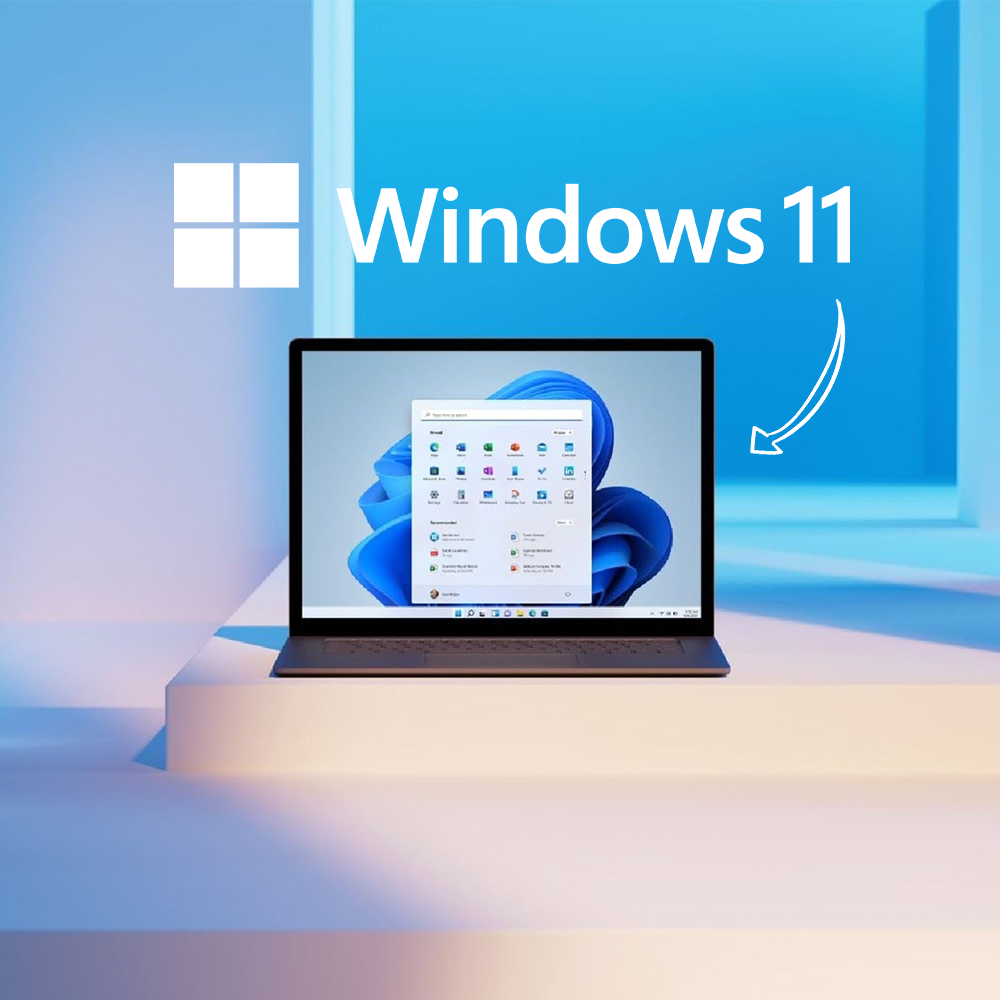
The advantages
Why you should upgrade:
- If you have Windows 10, you can upgrade to Windows 11 for free.
- Upgrading is easy and automatic (provided certain hardware is present), all personal settings remain and all programs stay installed.
- There are not many major changes compared to Windows 10.
- Windows 11 has a clear settings menu, you no longer need to go to the control panel.
- You can work more easily with multiple screens and the settings (such as screen resolutions) are remembered when you disconnect and reconnect your laptop.
- You can easily open multiple program windows side by side on your desktop.
The disadvantages
Why most people do not upgrade immediately:
- The rollout happens in phases, due to the many different hardware and software combinations, not all combinations have been tested by Microsoft yet.
- New operating systems always have annoying bugs at the beginning.
- Windows 11 does not look very different from Windows 10, but there are changes.
The biggest visual change is the Start Menu and Taskbar which are now (by default) centered. This may take some getting used to for users. - Upgrading requires TPM 2.0 (security technology - trusted platform module).
- Upgrading is only possible with certain processors: at least Ryzen 2000 or 8th generation Intel Core. So certain hardware requirements must be met!
Windows 11 is basically just a Feature update on Windows 10, and is rolled out as a regular major update as Windows 10 already had annually. The upgrade to Windows 11 is not mandatory. Windows 10 will be supported by Microsoft until 2025.
Share page: