404 - Oops, mistake!
04 April 2025What do you do when you search online, click on a link and the page no longer exists? You probably leave the site and continue searching. But what if you keep visitors engaged with a creative or helpful 404 page?
Make sure your 404 page is useful, funny or original to give visitors a second chance and guide them back to relevant content. This prevents frustration and increases the chance they stay on your website.
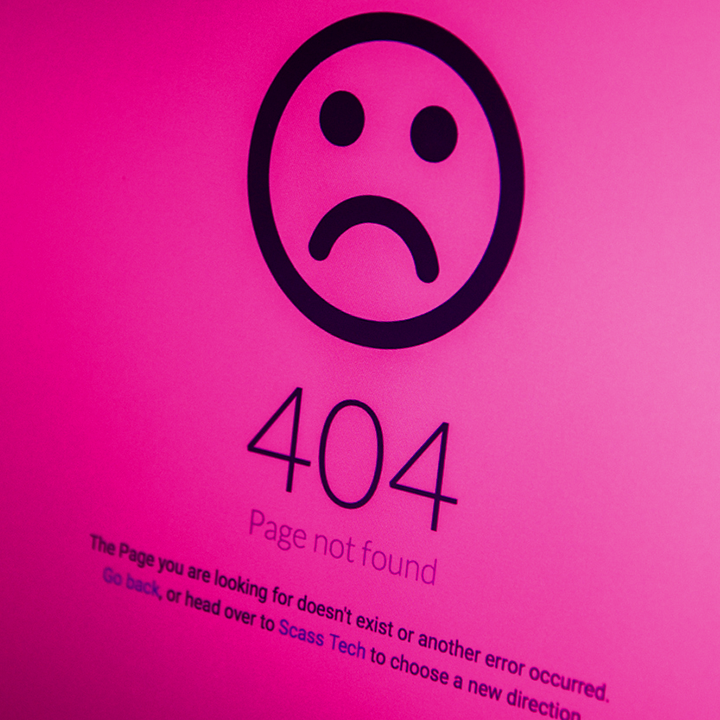
What is a 404 page?
When a webpage does not exist, the web server cannot find it. You then land on a page with the message that the requested page is not available. This usually happens when a page that used to exist has been deleted or moved without a proper redirect to the new location.
Why do you end up on a 404 page?
- You have set an outdated bookmark/favorite
- You made a typo
- The search engine may have shown an outdated page
- You have no access to the page
- The page never existed
- The server is down
Why is a 404 page not good?
- The visitor has to make an effort to find the right information
- High chance the visitor who lands on that page leaves the website and looks for a competitor with a proper website
- Search engines think the page has been deleted, causing the built-up value to be lost. This is not good for the positioning (SEO) of the website.
How to find the 404 pages of your own website?
It is useful to know how often visitors land on this page. With the following tools you can see this:
- Google Search Console: under Index/coverage
- Google Analytics: under behavior/site-content/all pages/page title (the title can be seen on the tab in the browser if you enter www.yourwebsite.nl/anonnexistentpage). Under “secondary dimension”, “full referring url” you can see how the visitor ended up on that page.
- Google Analytics 4: create a report (this is more complicated, ask your SEO specialist)
How to write a good 404 page?
You want to avoid visitors getting a 404 page, but you don't always have control. The best you can do is make sure the page is helpful, funny and/or original, so the visitor is willing to stay on your website.
- Make sure the page is recognizable and in your own corporate style
- Provide a friendly line of text that shows you want to help the visitor find what they are looking for
- Provide a clear button (Call to Action) that helps the visitor go to the homepage
- Humor softens the pain, make your text funny or provide a funny image
- Provide a search function on the page
- Indicate possible causes why the visitor did not find what they were looking for
- Provide useful links
Good luck! We are curious what fun you will make of it!
Tip: regularly click through your own website yourself to see if all pages are accessible.