Digital accessibility: what website owners need to know
03 September 2024Digitally accessible websites are not only important to meet legal requirements, but they also elevate the online experience for your visitors. In this article, we share our tips and tricks on digital accessibility. Discover how to make your website accessible to a wide audience!
What is digital accessibility?
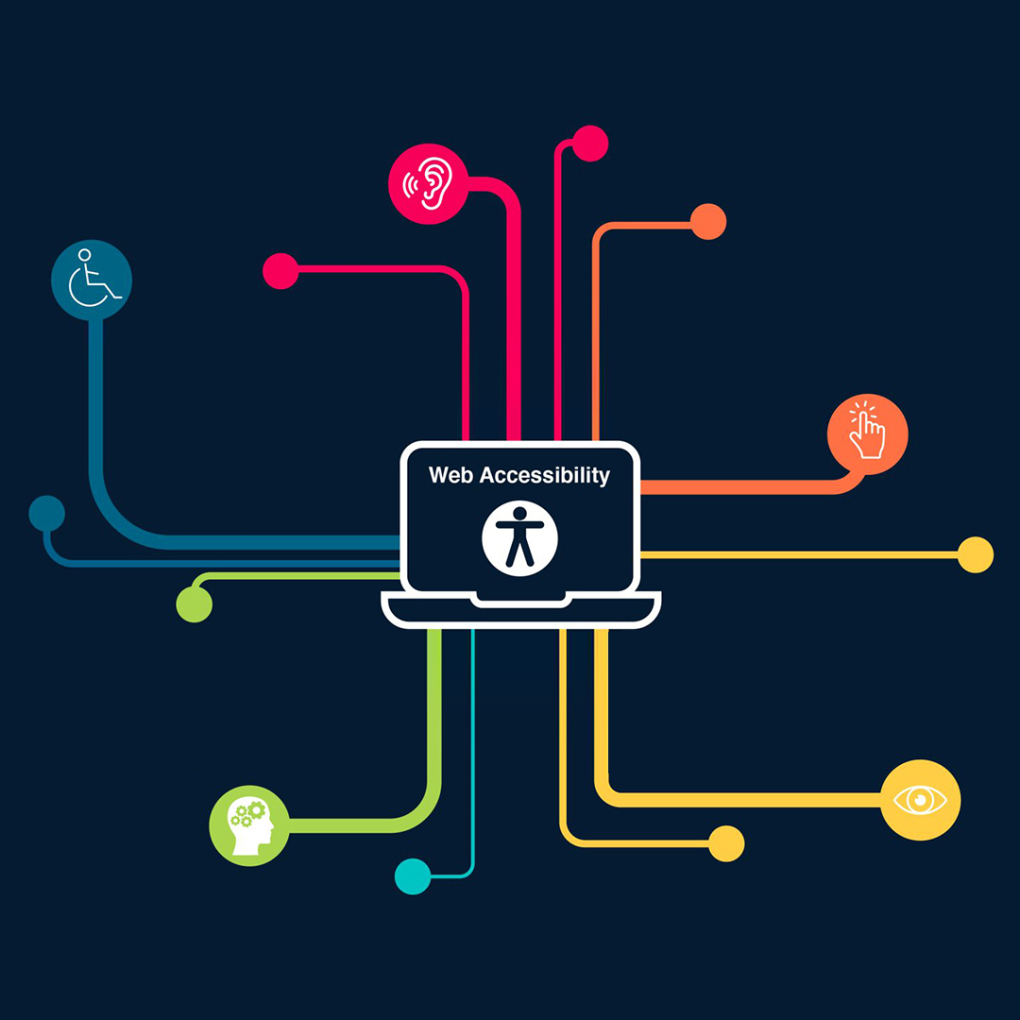
Digital accessibility means your website or web application is designed and developed to be accessible to everyone, including people with disabilities. These include visual, auditory, motor, and cognitive impairments. It ensures that everyone can find, understand, and use the information on your website.
How can people with disabilities still understand the website?
- People who are blind or visually impaired often use screen readers, braille displays, or magnification software to view website content.
- For people who are deaf or hard of hearing, it is important that audio content, such as videos, is also available in text form via subtitles or transcripts so they can read the information instead of listening.
- When people have motor impairments, such as reduced hand function or muscle strength, interacting with a website can be difficult. Websites should be compatible with various input devices such as keyboards, mouse alternatives, or voice recognition to support these users.
- People with cognitive impairments may struggle with complex information processing, memory, or learning disorders. Simple language without jargon, clear step-by-step instructions, consistent layout, and supportive visuals like images and icons help them understand website content.
Are you required to make your website digitally accessible?
In the Netherlands, companies are legally required to make websites and (mobile) web applications accessible to people with disabilities. This obligation stems from the implementation of the European directive on the accessibility of websites and mobile applications of public authorities.
Although the focus is often on public institutions, accessibility also applies to companies offering public services. This means SMEs that offer products, services, or information via a website must also comply with these accessibility standards.
TIPS for an accessible website
Designers and developers must consider accessibility standards, but as a company, you are often responsible for the content. Using a content management system (CMS) like WordPress or CMS Live, you can make your website accessible to various users. Consider limitations such as hearing loss, visual impairment, motor disabilities, and cognitive challenges. By following the tips below, you ensure your website is accessible to everyone.
- Use friendly headings and navigation
A clear and consistent heading structure helps users and screen readers navigate website content easily. Use H1 for the main title, H2 for headings, and H3 for subheadings. This makes the website more organized and user-friendly. Most CMS platforms have predefined heading styles, so select the text and apply the appropriate heading. Don’t just make text “large” and “bold”—use the formatting profiles set by the developers. - Alt text for images
Alt text provides descriptions of images for visually impaired users. Ensure every image on your website has clear and concise alt text describing its content and purpose. This improves both accessibility and SEO. In most CMS editors, right-click the image to access settings and enter the alt text. - Contrasting colors
Ensure sufficient contrast between text and background colors. This makes text readable for users with visual impairments. Various online tools are available to check contrast levels.
Conclusion
By following these simple tips, you make your website more accessible to everyone. This benefits not only your customers but also your business. Want to learn more about improving your website? Contact us for a free consultation.