Performance Review Application
We were able to develop an application for RTV Drenthe. A web application that allows (performance) reviews to be conducted in a unique and efficient way.
With temporarily encrypted data that is automatically deleted, digital signing, and without stored login accounts in the application itself. The online privacy and security of users is, of course, a top priority!

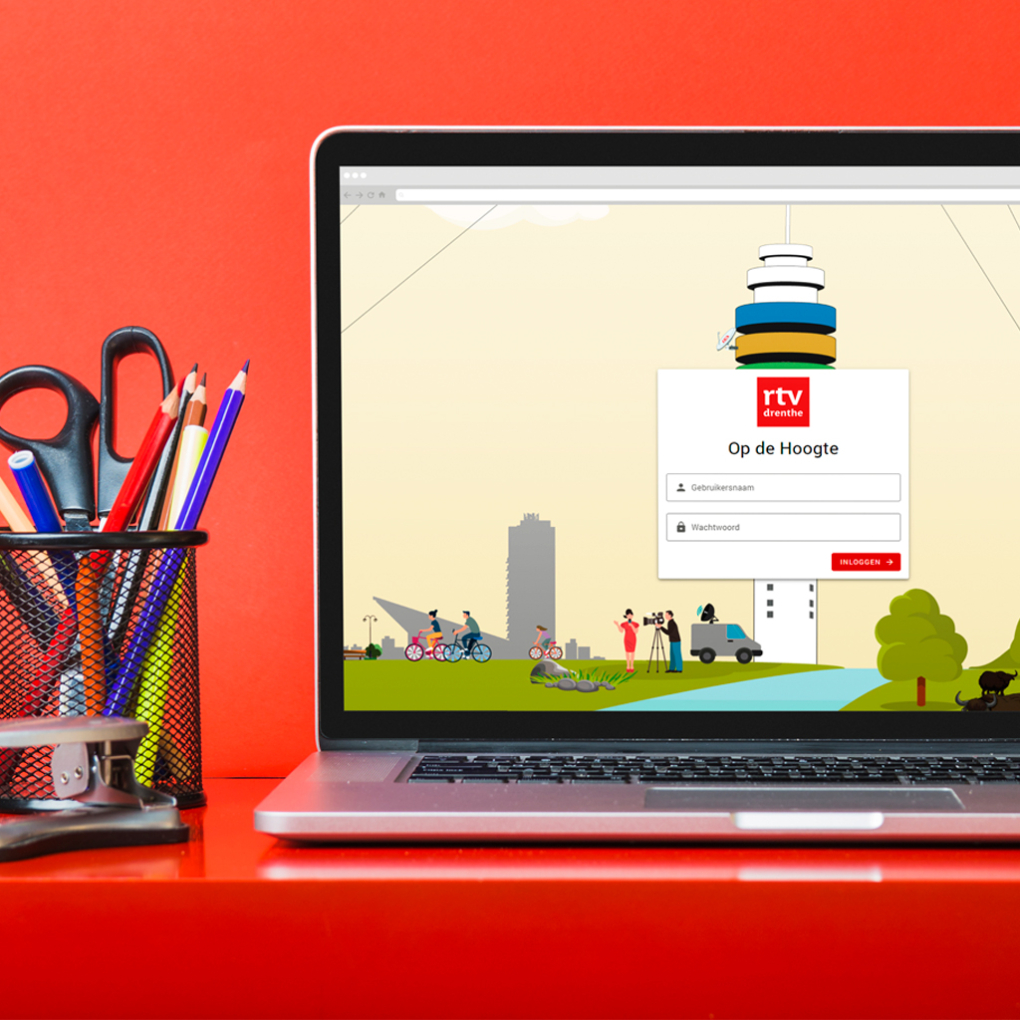
Access after logging in to the (internal) network
The web application “Op de Hoogte” is an application where managers and employees can prepare for a (performance) review. Someone can use the application if they have an account within RTV Drenthe’s (internal) network; login is via the server at RTV Drenthe. The entered data is all stored encrypted in the database and deleted two weeks after HR has downloaded the document.
Preparing for the review
Via the dashboard, employees and managers can prepare for the meeting by selecting a specific topic, also called a “focus area.” The topics are Health, Development, Motivations, and Organization & Me. For each topic, various questions are displayed. Both parties can indicate which questions they would like to discuss during the meeting.
They automatically keep each other informed
When either the manager or the employee enters or updates the questions, the other is notified. This allows both to prepare effectively for the upcoming meeting.
The meeting
During the meeting, the manager and employee can start the actual review online. They see the topics with the selected questions. There is also an option to view all questions if they want to discuss other questions afterwards. After discussing the questions, agreements can be made and entered into the online form.
Viewing on another device
The manager conducts the meeting together with the employee but only enters the answers into the online form. The employee can see what the manager is entering on their own device.
Digital signing
Once all questions have been addressed and all agreements have been entered into the form, it can be digitally signed by both the manager and employee. The completed form serves as the meeting report.
Automatic emails
After both have signed, an email is automatically sent to the manager, employee, and HR department. The email contains a link to download the PDF of the meeting report (login on RTV Drenthe’s network is required). Once all three have downloaded it, the data is automatically deleted and the report can only be accessed in the internal HR system. The web application is cleared and ready for the next meeting.